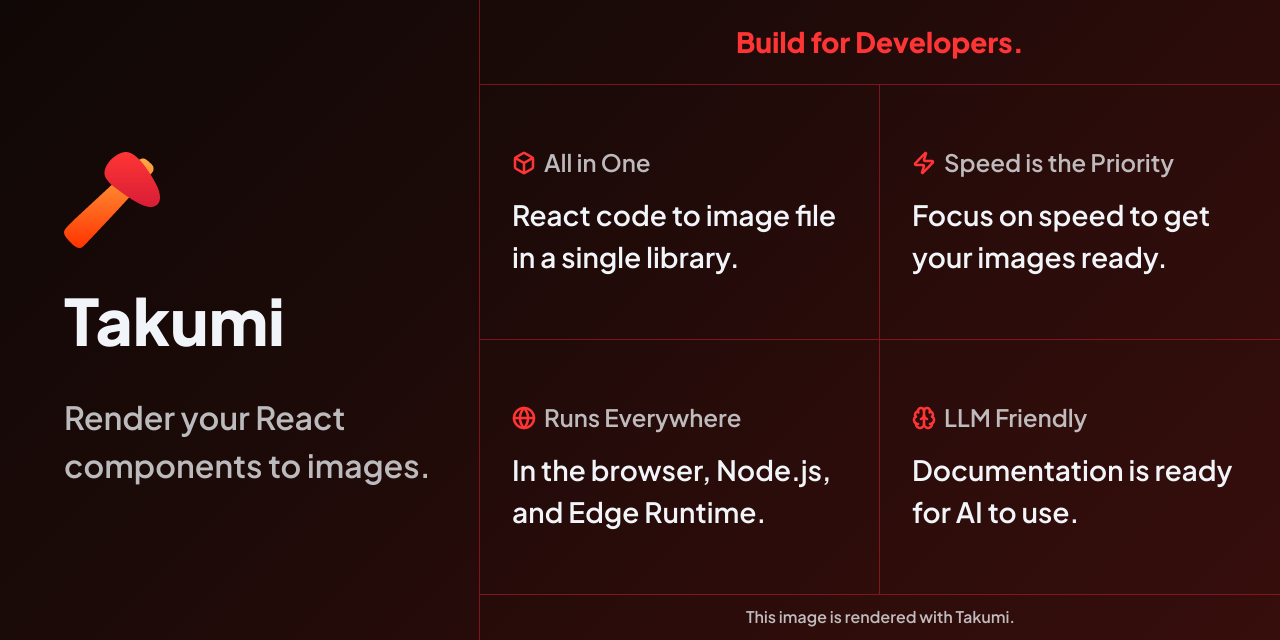
Render your Reactcomponents to images.
Rust-powered image rendering engine. Write JSX, get pixels.
Built for fast image generation. Runs everywhere.
Bring Existing Code
JSX in. Image out.
Write standard React components with CSS styling. Takumi renders them into production-quality images at blazing speed.
route.tsx
import { ImageResponse } from "@takumi-rs/image-response";

export async function GET() {
  return new ImageResponse(
    <div
      style={{
        display: "flex",
        background: "linear-gradient(135deg, #0a0a0a, #1a0a0a)",
        color: "white",
        padding: 48,
        width: "100%",
        height: "100%",
        fontFamily: "Geist",
      }}
    >
      <h1 style={{ fontSize: 64 }}>
        Hello, Takumi ✌️
      </h1>
    </div>,
  );
}output.png1200×630
Unmatched features,
zero compromises.
Advanced Typography
Variable fonts, RTL, complex text decorations, and more.
Satori Compatibility
Supports nearly all Satori features.
Tailwind CSS First
Native Tailwind parser built-in for maximum performance.
Runs Everywhere
Browser (WASM), Node.js, Bun, Deno, Edge Runtime, and native Rust. One engine, every platform.
Showcase
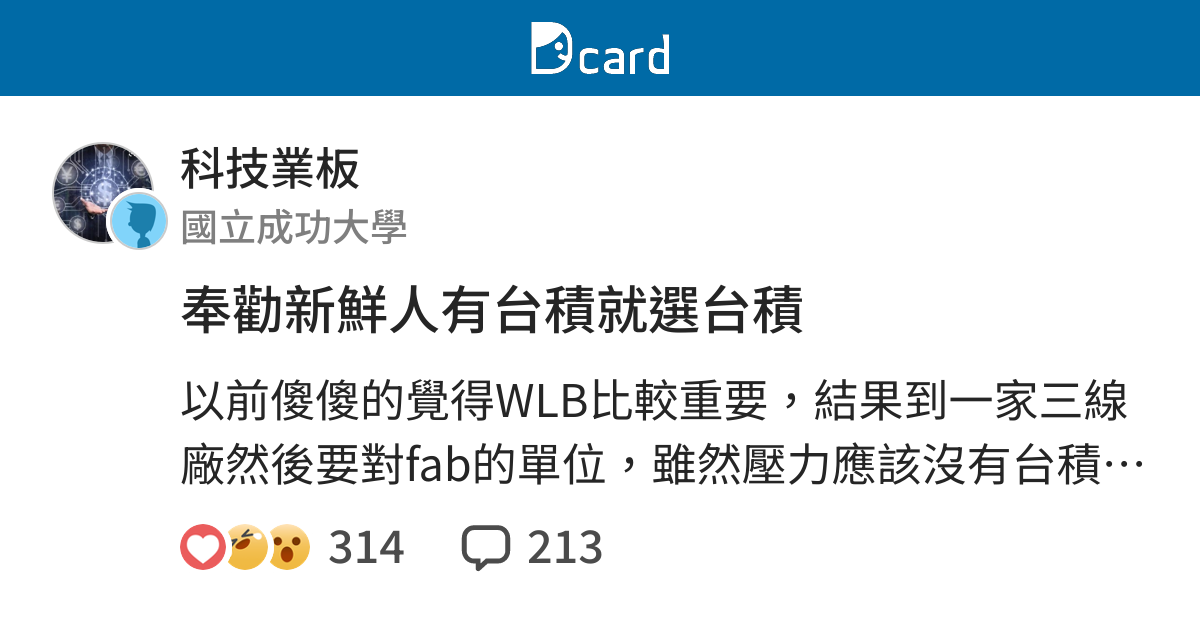
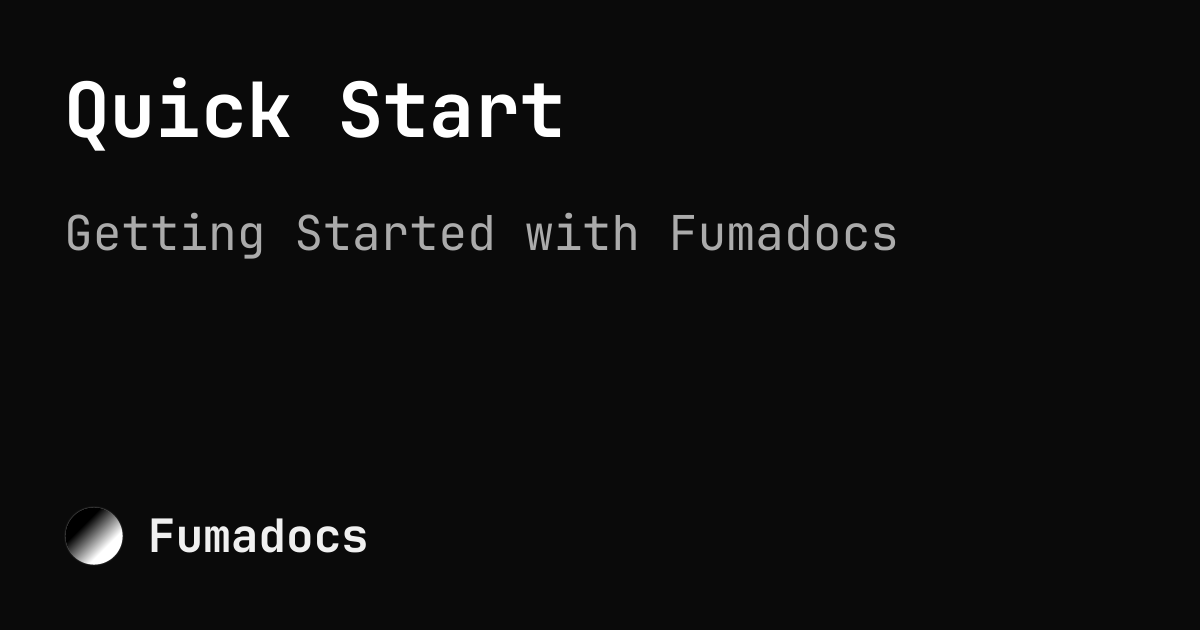
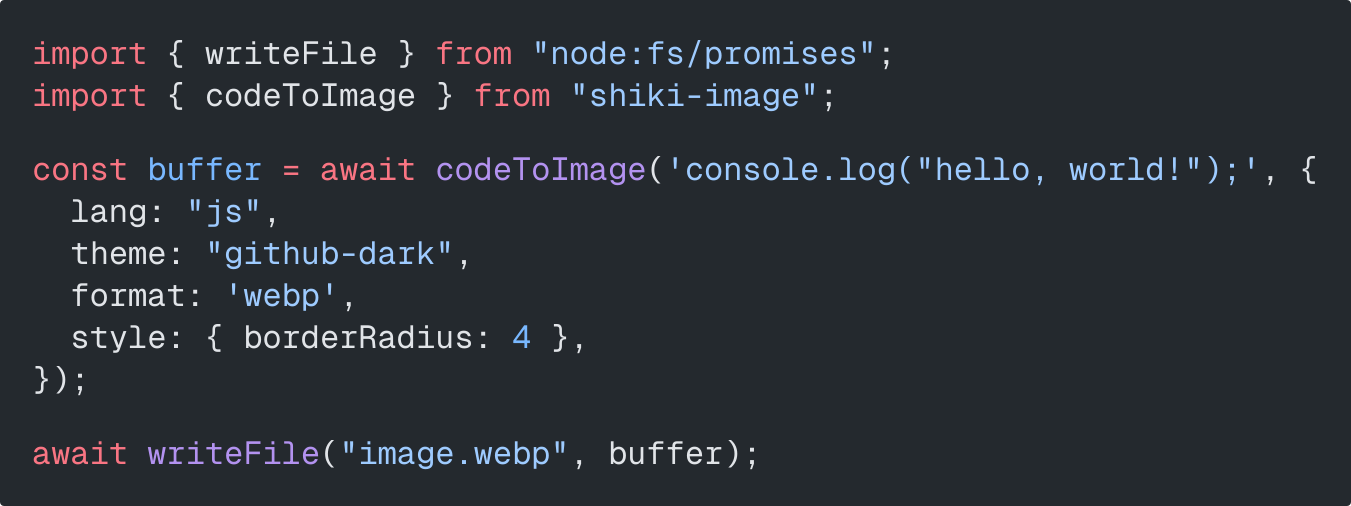
Built with Takumi
From OG images to dynamic cards, see what the community is building.


Start rendering
in minutes.
Install the package, write your first component, and generate your image. It's that simple.
bun install @takumi-rs/image-response